Screen Overlay Software for Windows 11 or Windows 10
An easy-to-use Screen Overlay software utility for Windows 11 and Windows 10 that provides full-screen text and image overlays. You can design or select an appropriate picture for an image overlay and tile it using this software utility to display the picture across the entire screen easily and quickly. Additionally, you can add a text overlay and adjust it using the available configuration parameters. In addition to controlling the parameters of text and image overlays, you can adjust the transparency of the combined screen overlay, giving you full control over what is displayed on your Windows computer screen. The screen overlays do not block mouse input to underlying controls or application windows.
Free Trial of Screen Overlay Software for Windows
Download free trial of the digitally signed Screen Overlay software on your Windows 11 or Windows 10 computer and try it for free. This application is supported on Windows 10, Windows 11, and other recent versions of the Microsoft Windows operating system. At startup, the free trial displays a welcome message; otherwise, it is a fully functional software application with only usage time limitations. Once the free trial expires, you can pay $9.87 USD to use it on one computer for up to 6 months.
Features of Screen Overlay Software
This application allows you to display image and text overlays on your computer monitor. If you have multiple monitors connected to your Windows computer, this application will display the overlays across all screens. You can save the configuration parameters of your overlays to a data file and load them later. When you no longer want the screen overlay to be displayed, you can simply disable the overlays or close the application to remove them.
- To display a picture or image as an overlay, select a .PNG file. You can even tile the image so that it covers the entire screen.
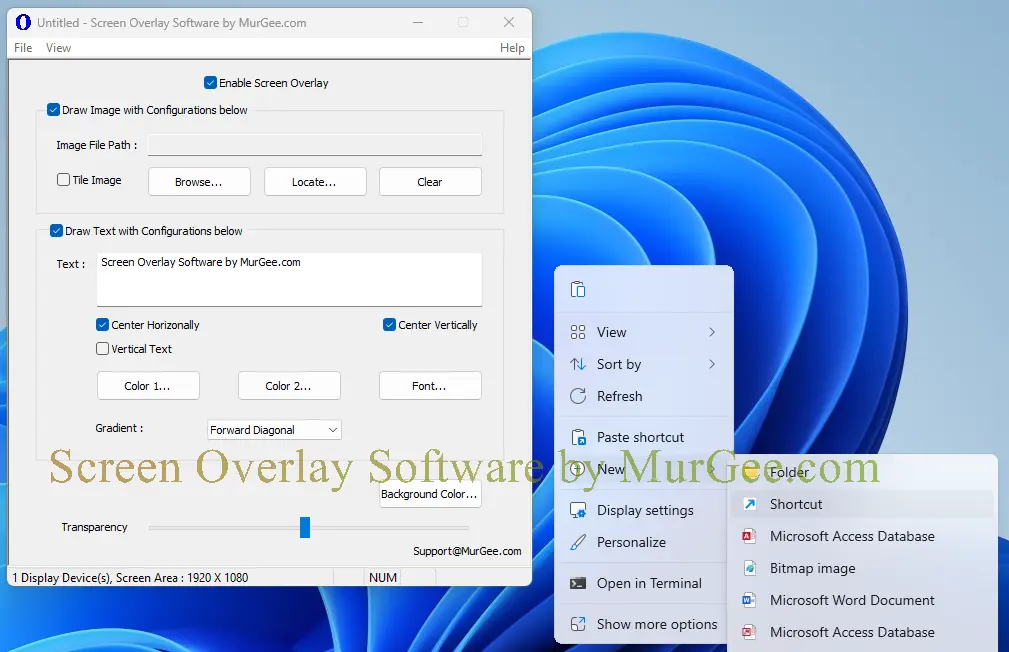
- A single or multi-line text overlay can be displayed with a color gradient created from two selectable colors. The text overlay can be oriented horizontally or vertically, and the font is fully customizable.
- Transparency controls allow you to adjust the opacity of the displayed image and text overlays. Depending on your needs, you can display overlays in a semi-transparent or fully opaque mode.
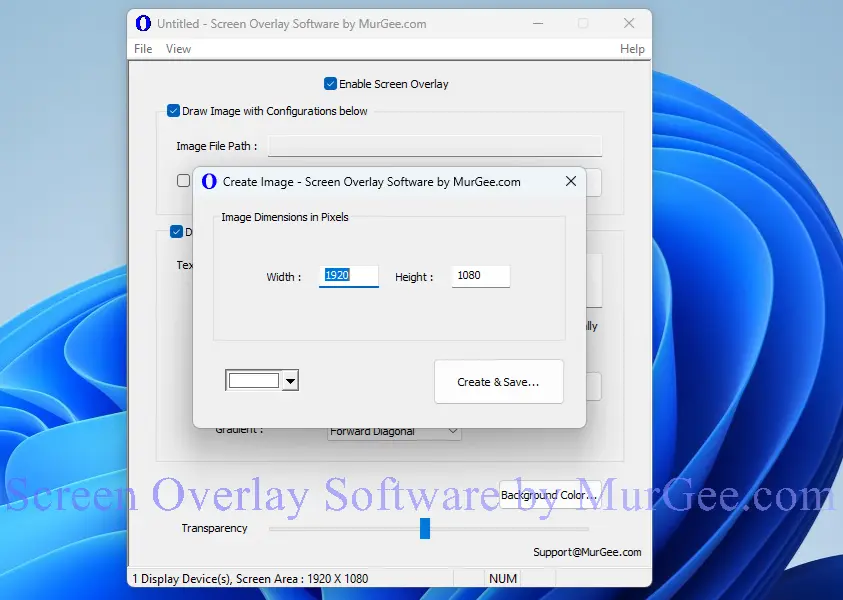
- A built-in image file creator allows you to generate a blank image file with a selectable background color and configurable dimensions. You can use this blank image as a base to design your custom image overlay.
- The overlays do not block interaction with the applications or controls beneath them. However, you should be careful with the transparency settings, as a fully opaque overlay can block your view of the underlying controls.
- To display a screen overlay, a single background color is treated as transparent, while all other colors remain visible. For image overlays, the pixel color at the top-left corner of the image is assumed to be the transparent color by default. You can easily change this transparent background color using the controls provided in the software.
Screenshots of Screen Overlay Software
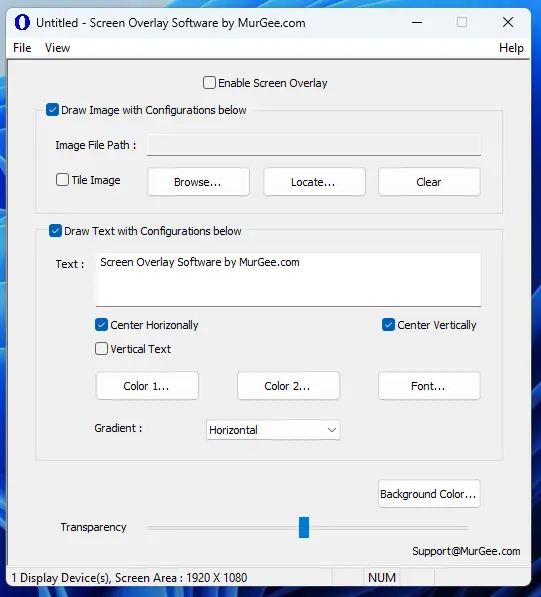
The screenshots below display various features of this Screen Overlay software, captured on a Windows 11 computer. Note that the application is frequently updated and may include more features than those currently shown. You can also suggest new features, and we will do our best to implement them as soon as possible.